
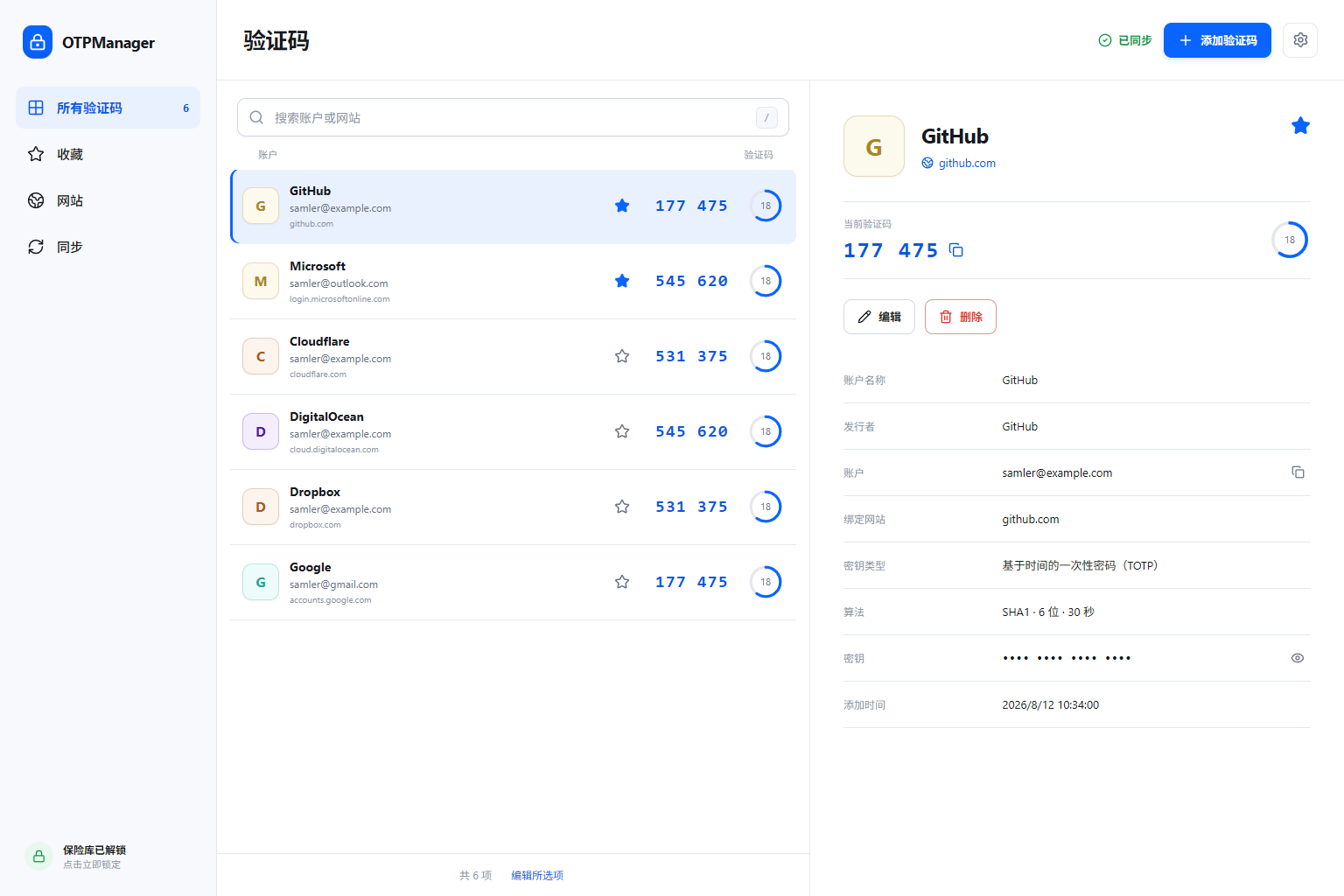
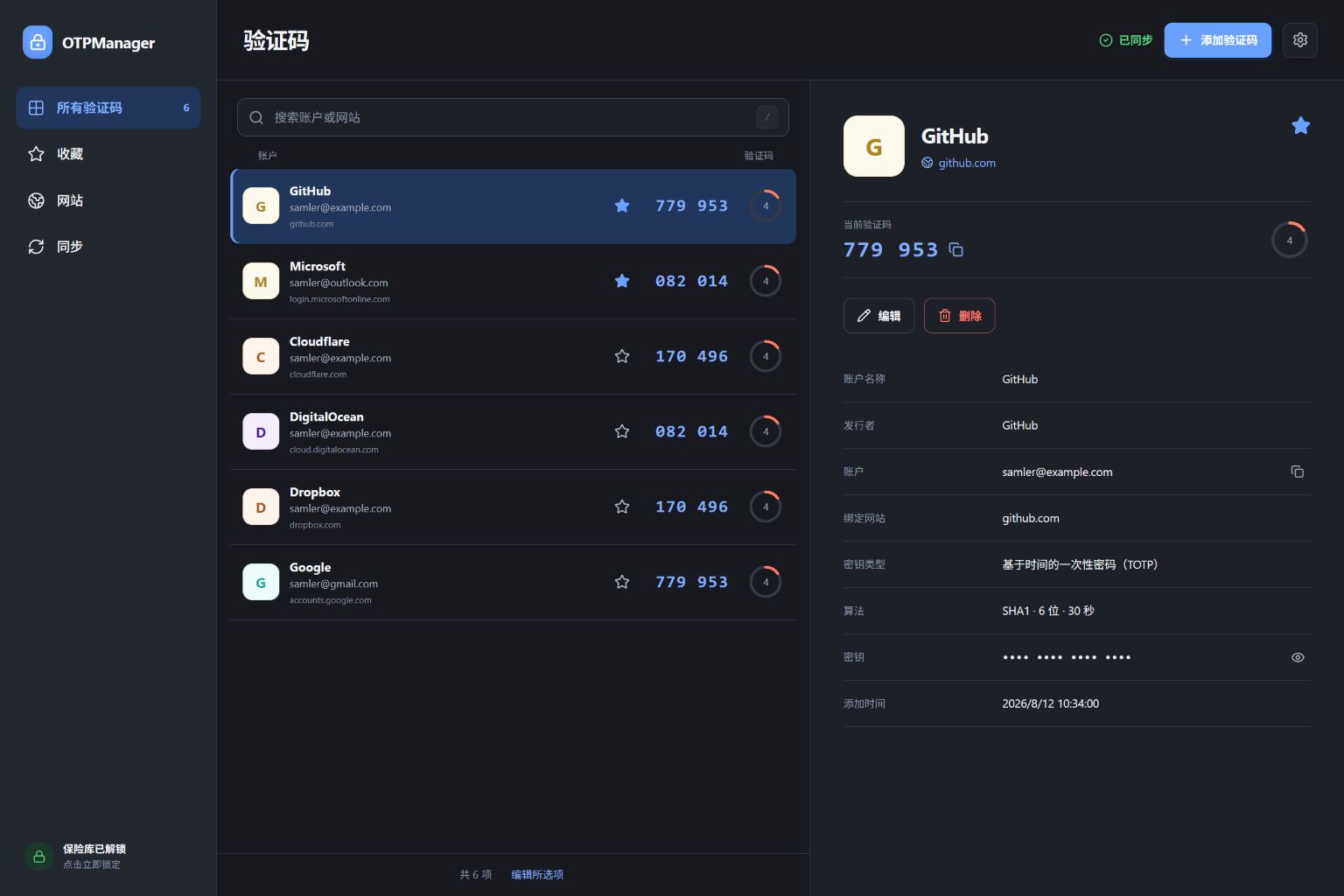
Encrypt before saving
AES-256-GCM encrypts the vault; Argon2id makes offline password guessing more expensive.
Encrypted locally · Sync where you choose · Open source
OTPManager encrypts the TOTP vault on your device. If you need it on more than one device, connect storage you already control; the developer never handles the sync traffic.
Daily use
Web pages only get the generated code needed for filling. The vault stores encrypted data, and every requested permission maps to a visible feature.
AES-256-GCM encrypts the vault; Argon2id makes offline password guessing more expensive.
A scan reads the current tab after you start it and decodes supported otpauth://totp values in memory.
Accounts match the real hostname, with manual field marking for unusual sign-in pages.
The browser connects directly to your WebDAV or S3-compatible storage.
Import, export, and encrypted history snapshots give you a way back after a move or mistake.
Supported browsers can use WebAuthn PRF to unlock the same vault without storing the master password.
First run
Scan a QR code, paste an otpauth URI, or enter a Base32 secret.
Bind the real hostname and mark the code field when a page needs extra help.
Keep everything on this device, or connect your own WebDAV or S3 storage.
Security boundary
Codes are processed in the browser. When sync is enabled, encrypted data goes straight to the storage provider you configured; the developer does not proxy it or add advertising and analytics SDKs.
Read the security architectureGCM protects confidentiality and integrity.
A 64 MiB memory setting raises offline guessing cost.
No behavioral profile and no sale of personal information.
Version, algorithm, and compression parameters are authenticated.
Current build status
The repository produces MV3 builds for Chrome, Edge, Firefox, and Safari. Store releases are still being prepared.
Before you install